Appendix
Selecting a gallery on Tile Layouts
- Hover over the gallery you wish to use. There should appear options for the specific gallery.
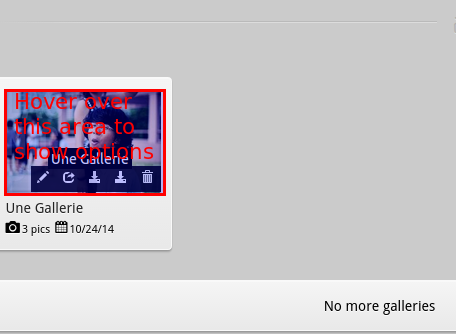
Note that the number of options available to you will vary according to the permissions you have with the specific gallery.
Searching for a gallery in Admin
- Use the search filters to look for galleries. For example, if you are looking for draft galleries, change filter for Status to Draft.

Changing a filter value will automatically apply it to the search.
- You can search for the gallery by text via the search box. Press enter after setting the text to search. This will search the gallery information as well as the owner’s and photographer’s information.
